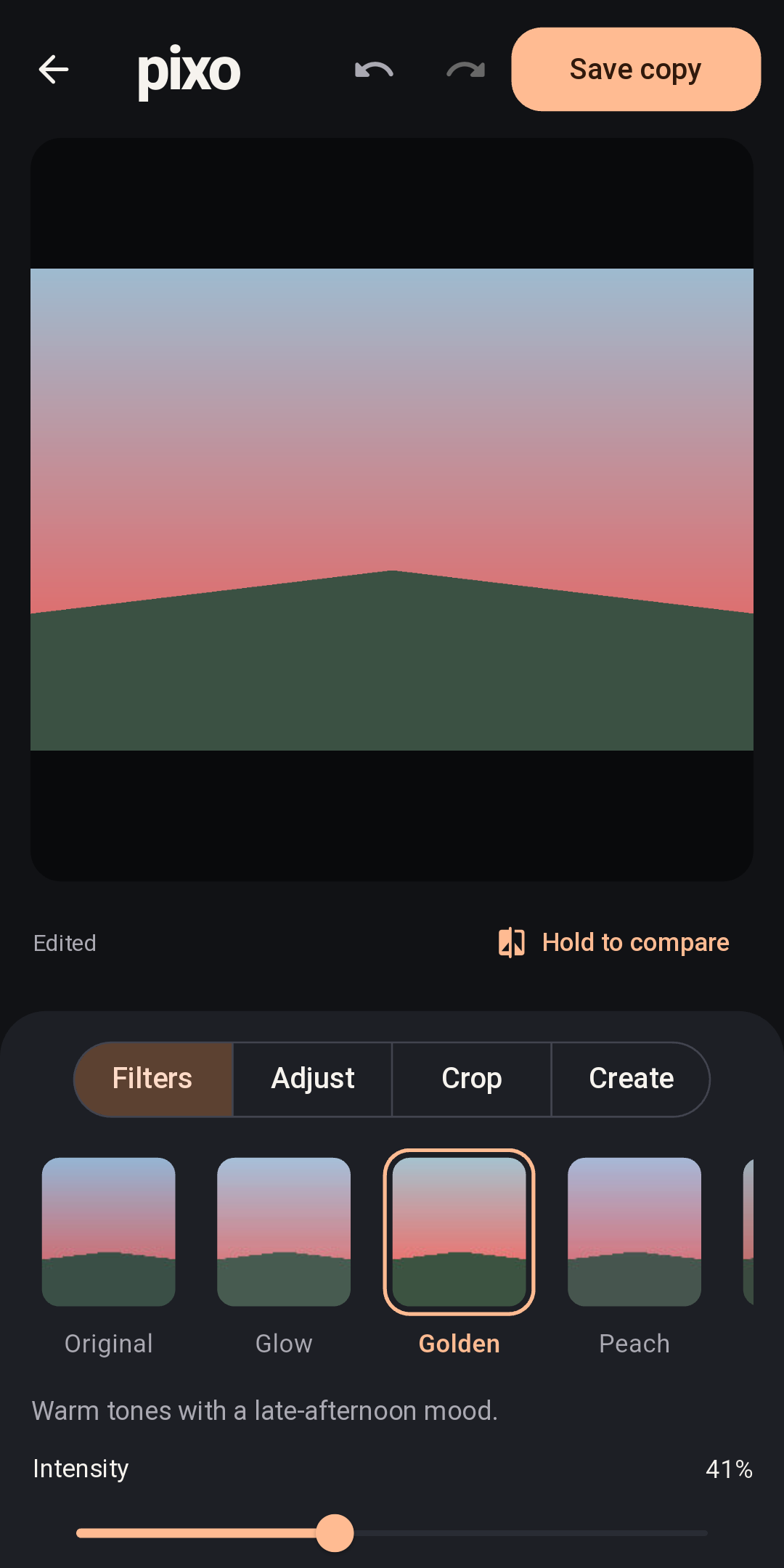
Filters at your intensity
Explore different looks and adjust the effect intensity. The Creator collection is exclusive to Pro.
 pixo.
PIXO · BY TROD SOFTWARE
A new light. A new angle. Your own touch. A photo editor that turns ideas into images, right on your phone.

FROM THE FIRST TOUCH TO THE FINAL COLOR
From a filter to the finishing touch, make every photo feel intentional.
Explore different looks and adjust the effect intensity. The Creator collection is exclusive to Pro.
Adjust exposure, contrast and saturation with a preview. Compare with the original and undo your edits.
Crop to formats including 1:1, 4:5, 9:16 and 16:9, or rotate your photo for a different angle.
Preview filters in the camera before capturing, then keep editing in Pixo.
Combine photos in a collage and fit images into frames with a solid-color or blurred background.
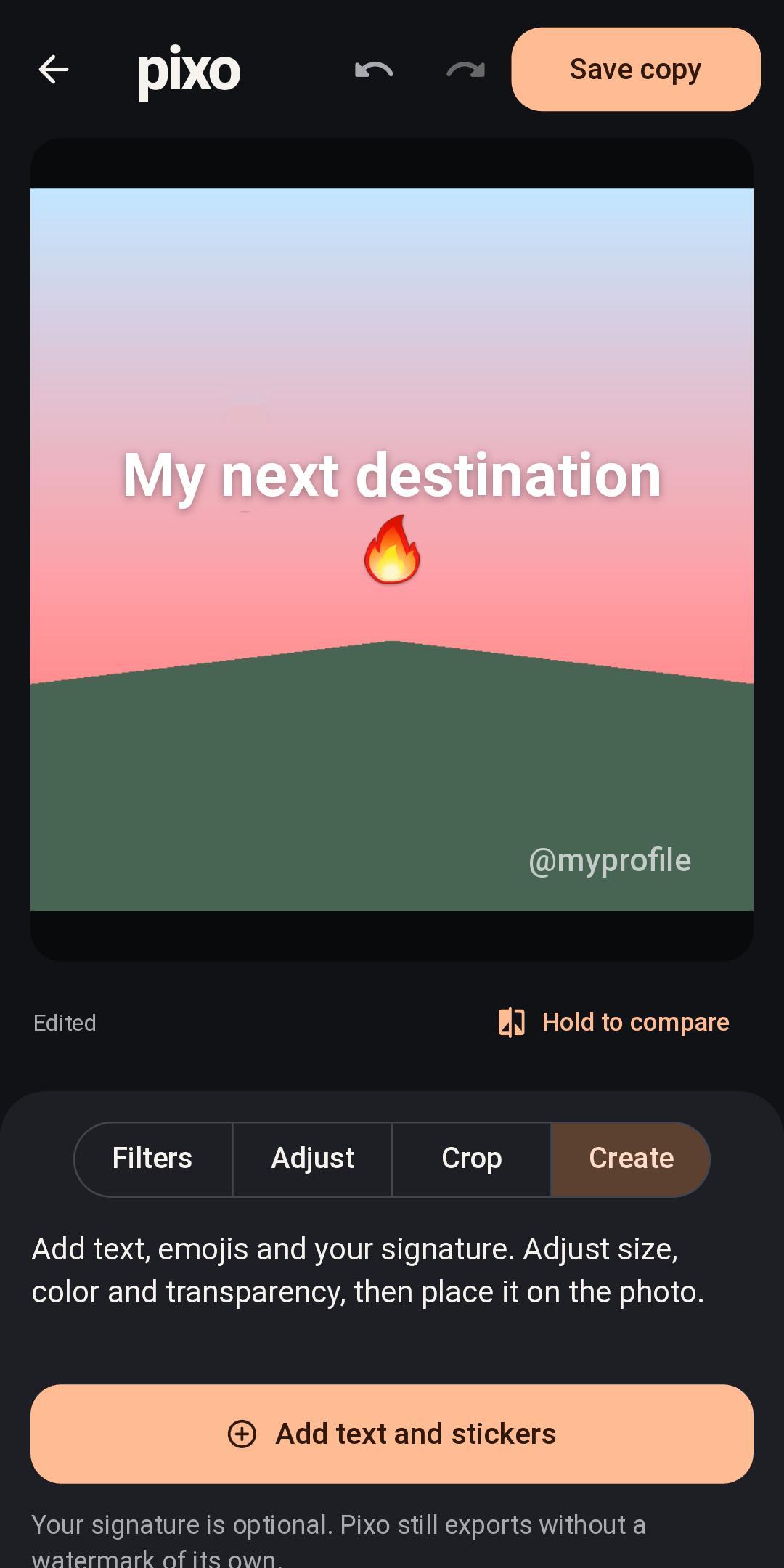
Add text and emojis, move elements and adjust their size, color and opacity.
A CLOSER LOOK AT PIXO
Actual app screenshots, shown in English. The app also supports Portuguese and Spanish.
YOUR PHOTOS, ON YOUR DEVICE
Photos are processed on your device, without uploading images to editing servers. Saving creates a PNG copy in your gallery and preserves the original file.
The app uses Firebase Analytics for usage events and technical information. Local photo processing does not mean that no data is collected. Read the privacy policy for details.
Privacy policy ↗CHOOSE YOUR CREATIVE SPACE
Essential tools are included for free. Pro adds the Creator collection and the personal signature tool.
| Feature | FreeBring your ideas to life. | Pixo ProAdd your own identity. |
|---|---|---|
| Basic filters, light and color | Included | Included |
| Cropping, rotation and camera with basic filters | Included | Included |
| Collages, frames, text and emojis | Included | Included |
| Export a copy without a mandatory Pixo watermark | Included | Included |
| Creator collection: Film, Dusk, Mint, Rose, Neon and Vintage | Not included | Included |
| Watermark / @ signature tool | Not included | Included |
Local retouch: five applications per installation on both Free and Pro. This is not generative AI removal; it works best on simple areas.
Pro is a monthly or yearly subscription through Google Play. Prices, offers, eligibility and conditions appear in the store inside the app before confirmation.
FREQUENTLY ASKED QUESTIONS
No. Export saves a new PNG copy in your gallery. You can also undo and redo changes while editing.
Import JPG, PNG and WebP files up to 30 MB and 24 megapixels. Export is PNG. Without frames, resolution follows cropping and rotation; with frames, the longest edge is limited to 4096 pixels. HEIC, RAW, videos and animations are not supported.
Editing is processed locally. Pixo does not send photos or typed text to Firebase Analytics. Usage events and technical data are collected as described in the policy. A photo is shared only when you use the system sharing menu.
No. There are free features and an optional Pixo Pro subscription.
Pro offers monthly and yearly plans. Check the price and conditions on Google Play before confirming. Manage or cancel renewal in the Google Play subscription center; access follows the store terms. Restore purchases with your store account.
Editing tools process photos on your device. Installation, purchases and subscription checks or restoration depend on store services.
Yes. Pixo is on the App Store for iPhone and on Google Play for Android. Use the buttons on this page to download it.
Meet Pixo — Photo Editor, by TROD Software.